Your Complete Guide to Just Like Heaven
Download the App

Just Like Heaven App
Download the app now to access your mobile passes, add them to your wallet, explore food and drink options, stay up to date, and more.
Download NowAXS Mobile ID
Load Your Passes
Download the app now to access your mobile passes, add them to your wallet, explore food and drink options, stay up to date, and more.
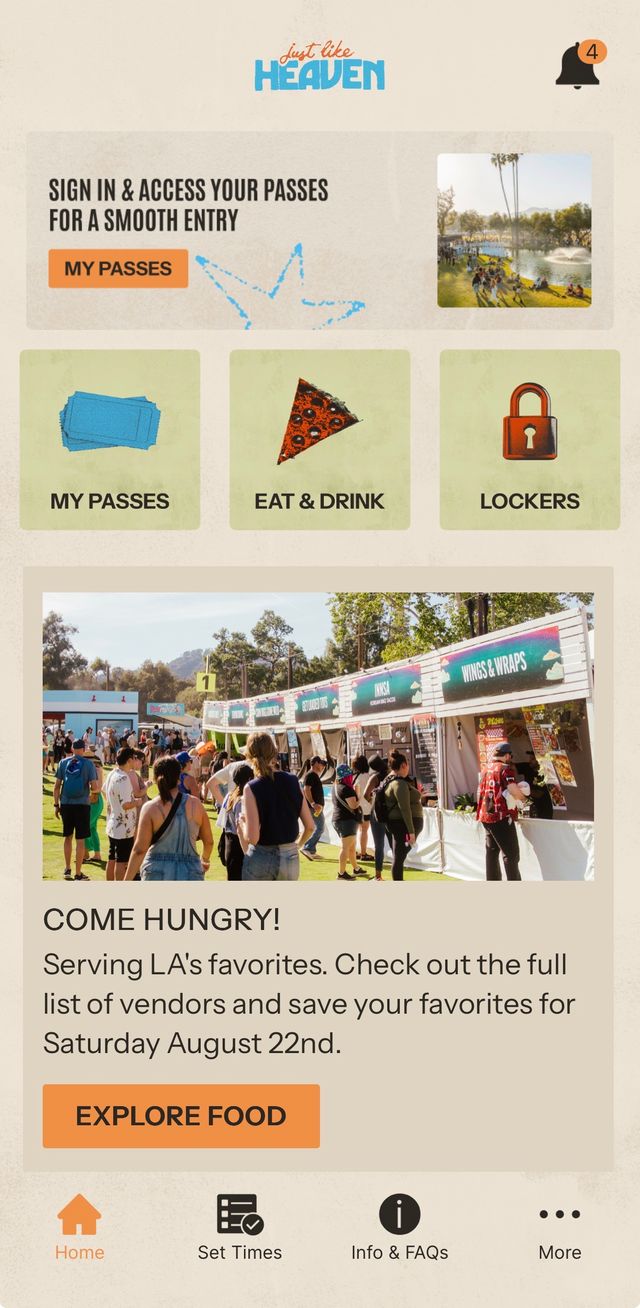
Step 1: Click on “My Passes”
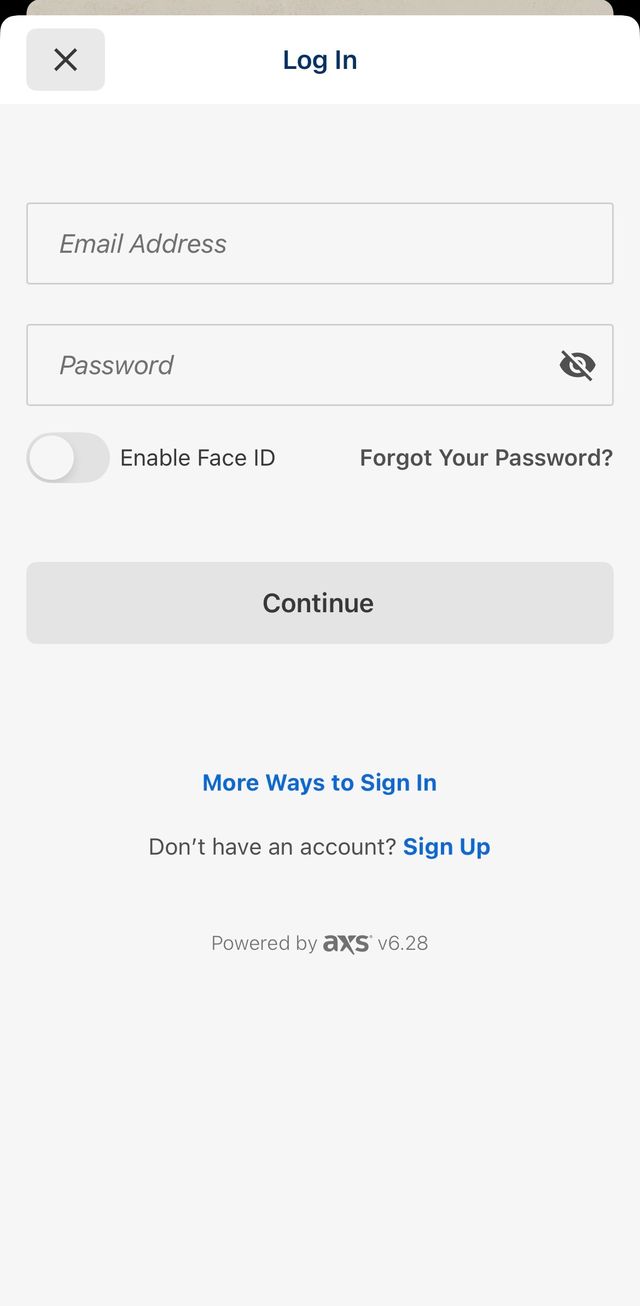
Step 2: Login to your AXS Account
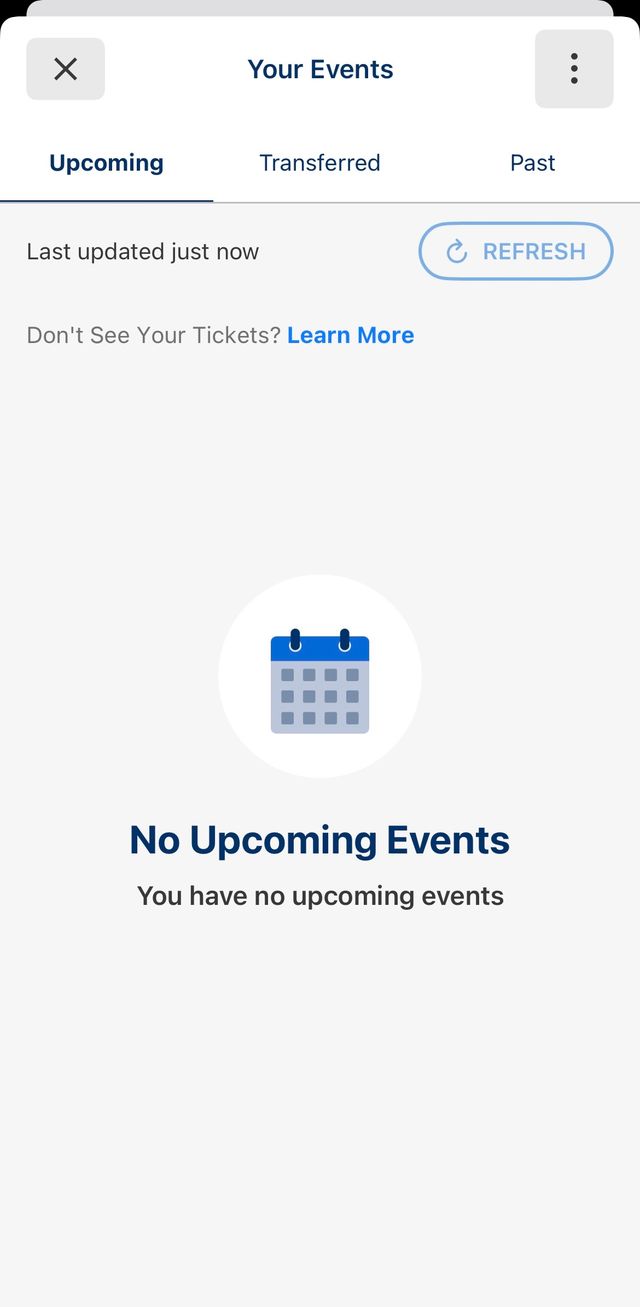
Step 3: View your tickets in the app
How to Transfer Passes
If your party is arriving separately, you may transfer individual passes through your AXS account.
- Click on “Tickets” and select the event.
- Click “Transfer”.
- Select the pass(es) you would like to transfer.
- Select your contact or enter the recipients first name, last name, and email address.
- Click 'Continue'
- Review the information and click 'Transfer'
Know Before You Go
Festival Checklist:
- Download the Just Like Heaven mobile app
- Load your passes in the app
- Review items you can and can’t bring into the festival
- Review your designated entrance based on your mode of transport
Getting Here
Getting Here
Plan your trip for the day. Find directions, parking, Metro and shuttle information, rideshare details, and venue maps to make your arrival as smooth as possible.
What To Bring, What To Leave Behind
What To Bring, What To Leave Behind
Take a moment to review everything ahead of time so you don’t have to forfeit any items when you arrive. Please note: a clear bag policy is in effect.

Stay Cool
Stay Cool
Stay cool and hydrated. Find shade, cooling misters, and water refill stations throughout the festival grounds, or grab water for purchase from any food & beverage vendor. Bring an approved water bottle to refill throughout the day. Check the cooling map and bottle policy before you arrive.
Parking
Parking
Reserve your parking in advance with General or Preferred parking options. Then review maps and directions so you know exactly where to go. Consider carpooling to make your trip easier.
Lockers
Lockers
Plan ahead by reserving a locker today. Keep your hands free and valuables safe.

Accessibility & ADA
Accessibility & ADA
If you need assistance finding your most accessible route around the event, please visit us at an Accessibility Services Hub. View more information here.
Once You're Here
Get familiar with all things across Brookside at The Rose Bowl.
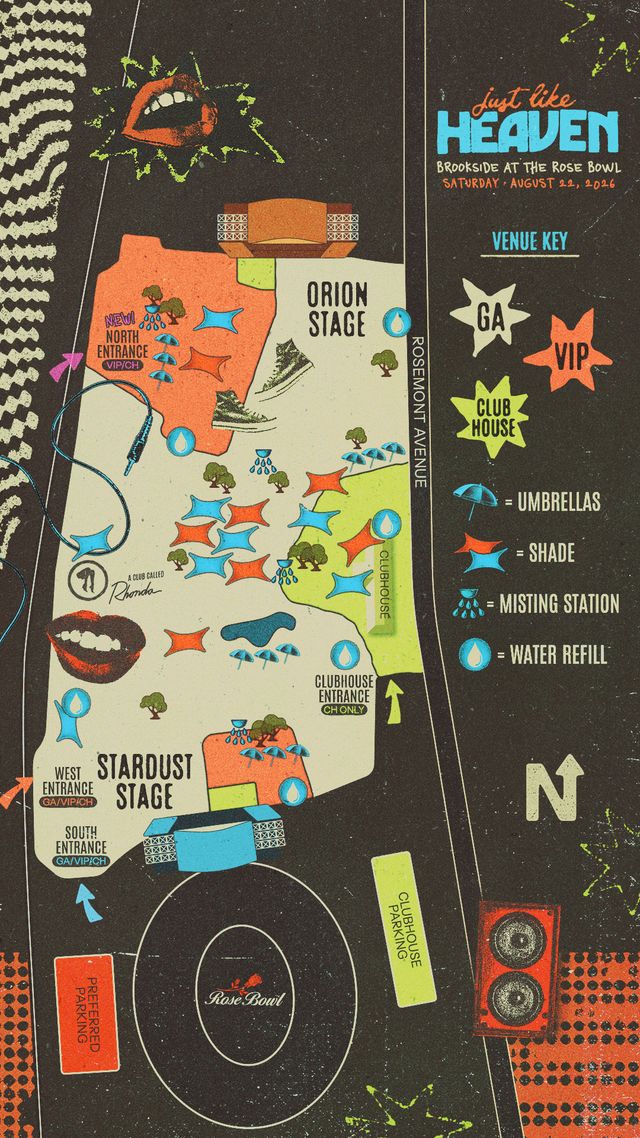
View all maps
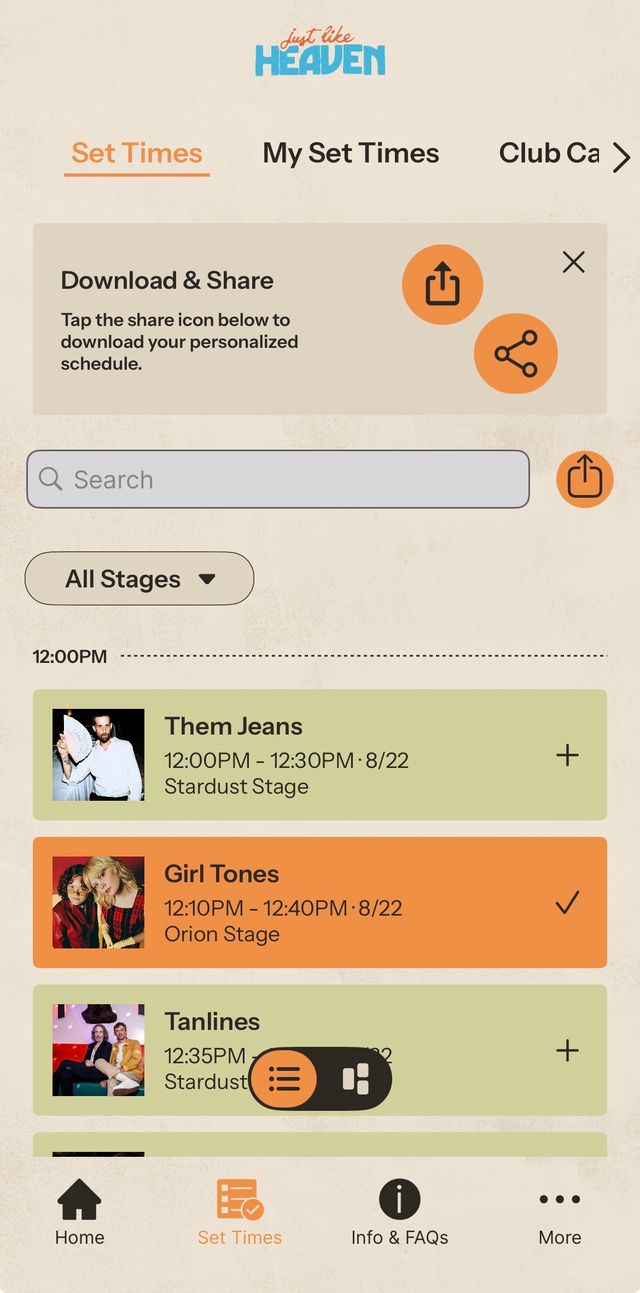
Explore the set times
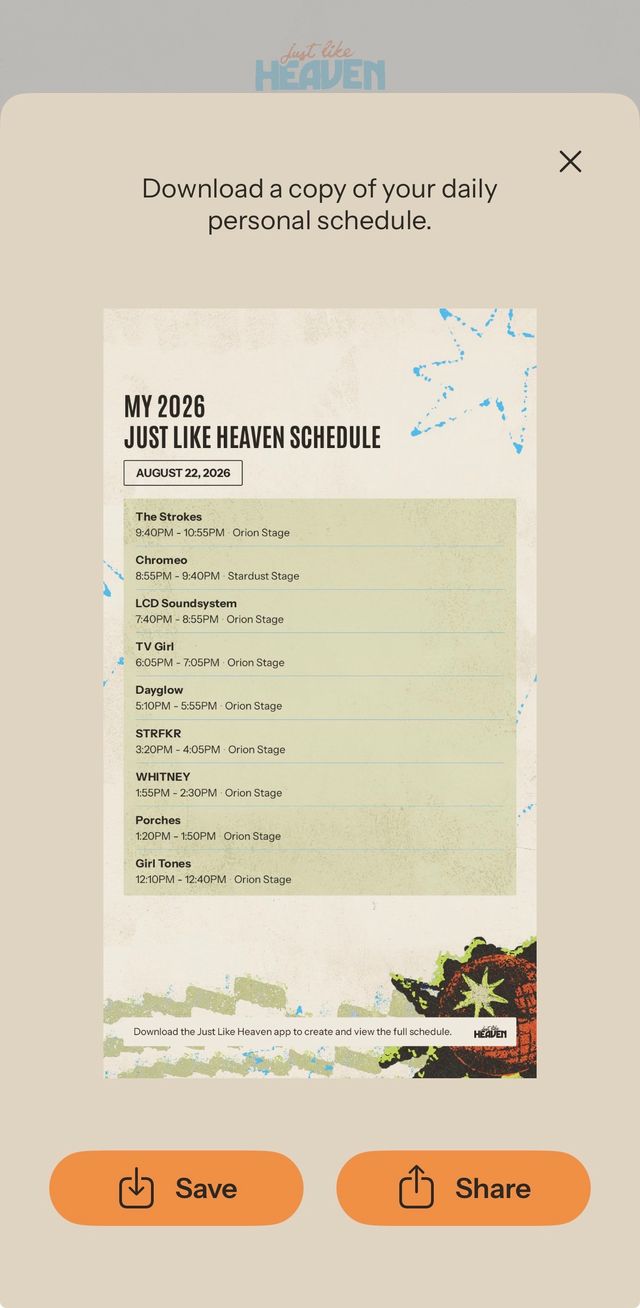
Make your custom schedule and share with friends
Food & Beverage
Food & Beverage
Come hungry and stay fueled all day with a lineup of local favorites, festival eats, refreshing drinks, and exclusive food and beverage options for VIP and Clubhouse guests.

Activities
Activities
Explore beyond the music with Heavenly Objects, a curated market of vintage and handmade finds, dance all day at A Club Called Rhonda, or bring the family and step into the joyful world Cosmic Kids Land!

Upgrade Booth
Upgrade Booth
Visit the Upgrade Booth on-site to explore available VIP and Clubhouse upgrades while supplies last.

Lost & Found
Lost & Found
View items online anytime here or visit an Information Tent for assistance during show hours.
If you see your item listed, submit a claim with details that'll confirm ownership, and if it’s matched, we’ll let you know how to get your item back. Shipping options are available, too.
If you don’t see your item, we recommend filling out a Loss Report, and if you believe your item was stolen, we recommend filling out a crime report with the Pasadena Police Department here.
Did you remember to:
- Download the Just Like Heaven App
- Load your passes
- Review items you can and can’t bring into the festival
- Review designated entrance based on pass type and mode of transport